What's inside
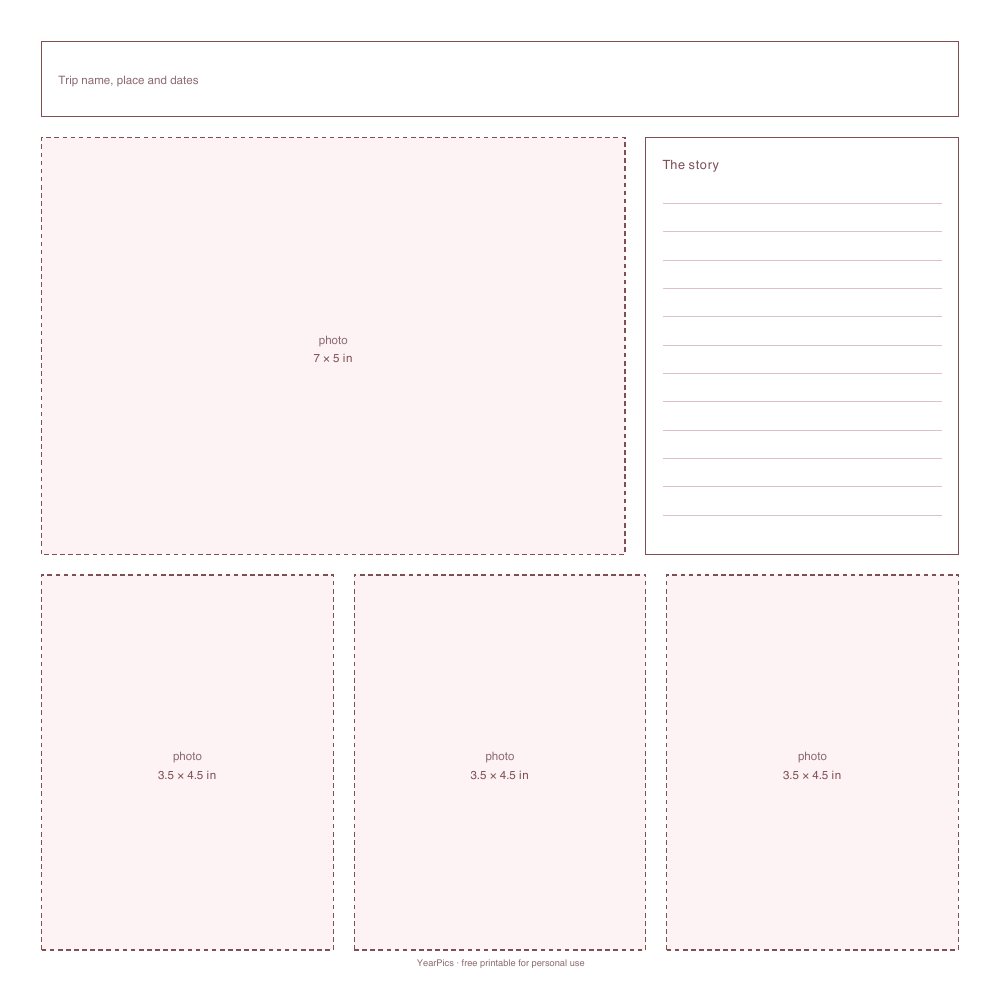
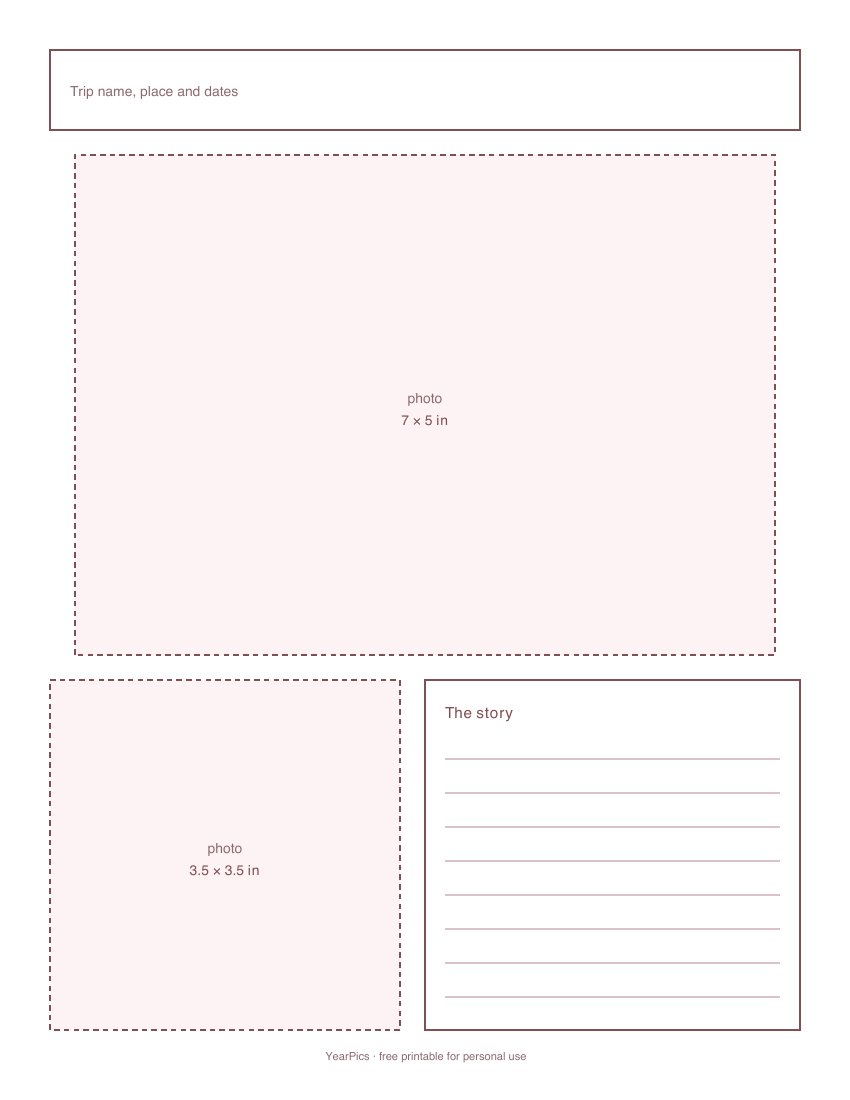
- Trip page. A title band, one large photo, a box for the story and three smaller photos (12×12), or one large and one square photo (Letter).
- Photo grid. Nine 3×3 in squares on 12×12; six 3.5×2.5 in photos and a caption strip on Letter.
- Journaling cards. Six cards to cut out, headed “Where we were”, “Best thing we ate”, “Overheard”, “Don’t forget”, “The photo I didn’t take” and “Notes”.
How to use the templates
- Print the template on plain paper first and lay your prints on it to try the layout.
- Print the photos at the sizes written in the boxes. A 4×6 print can be trimmed to fit the smaller ones.
- Glue the photos onto your scrapbook paper using the template as a guide, or print the template on card stock and glue onto it directly.
- Write the cards last, once you can see which photos need a story.
Not sure how many pages a trip needs? The scrapbook page planner works it out from the trip length and page size.